Internet in schools
21. 5. 2020
Internet is now part of almost every area of life, used by the vast majority of society, so it is no surprise that it is used to a greater or lesser extent in schools too. Let us set aside for now the question of how much an internet connection distracts pupils and students during lessons, and look at all the ways it is used in school. School staff are no longer just the IT administrator and the computer science teacher, who are the only ones dealing with computers during working hours.
Online school systems make it possible to handle all administration electronically, for heads and teachers alike. Electronic class registers, pupil records and communication with parents are all part of everyday life. Electronic teaching also shrinks the mountain of paper, exercise books and textbooks that a teacher carries into lessons. And the stock of excuses pupils and students use for not doing their homework changes too: instead of a forgotten exercise book, the internet connection drops out, computers switch off without warning, or the homework somehow deletes itself.
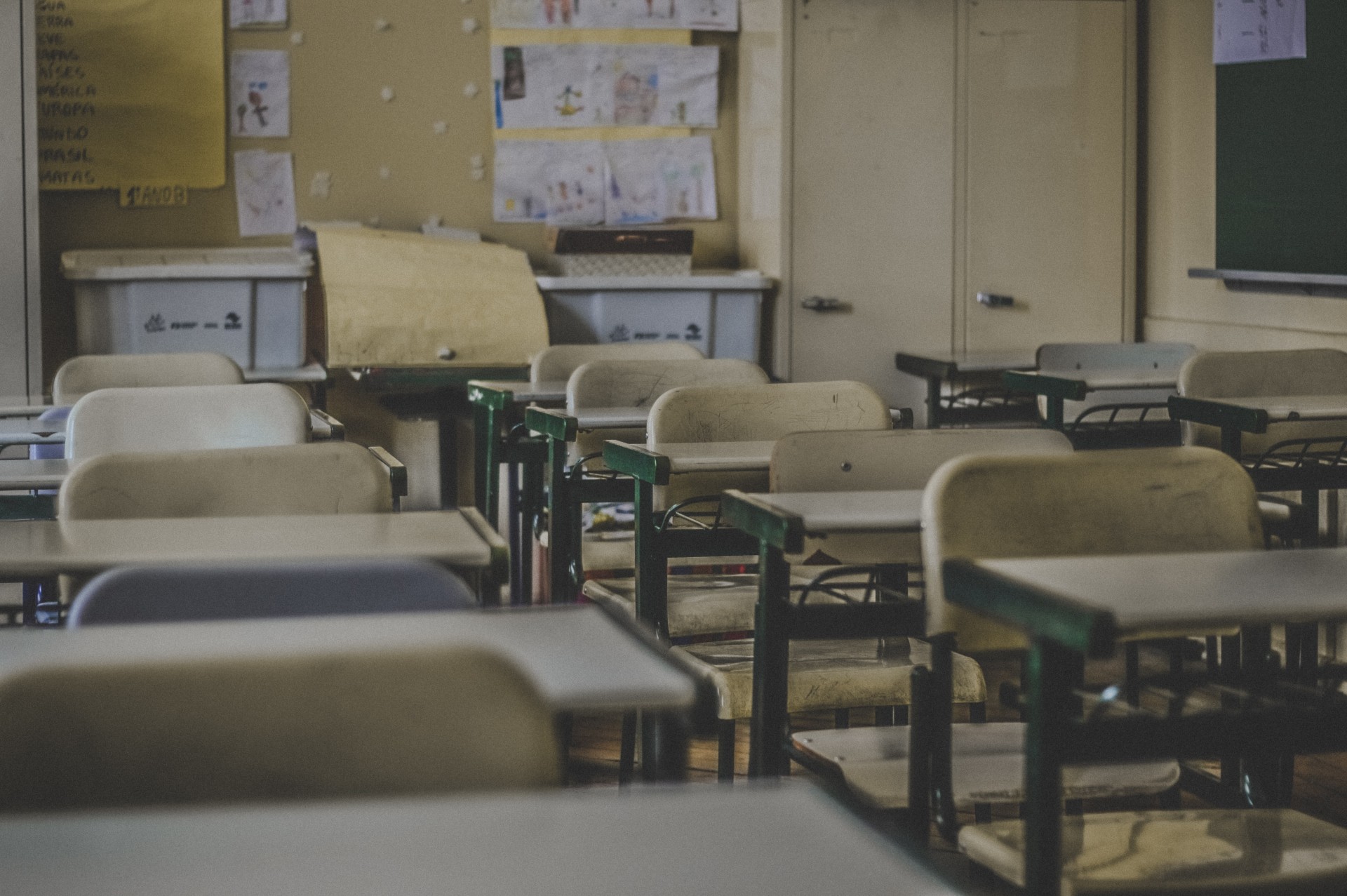
Schools have several important requirements for their internet connection, both technical and security-related. Before we look at them, let's explain the key terms and how a device actually connects to the internet.
What a school computer network can look like
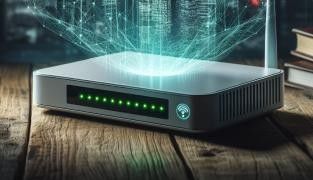
A LAN (local area network covering just one area, such as a school or a house...) consists of interconnected computers, which are then connected to an external network, the WAN (i.e. the internet). To connect a local network to the internet, a router is required.
The router manages the data flow between the two networks and also performs NAT, or network address translation, between the LAN and the WAN. It is a key device that needs proper security. If it can broadcast two wi-fi connections, it is worth using both. One wi-fi network could be reserved, for example, for teachers only, where certain documents can be shared. The second connection can then be for students or visitors to the school.
IP address vs. MAC address
You have probably come across the term IP address, but the MAC address may be new to you. What are the differences between them, and what are they used for?
IP address
An IP address uniquely identifies a device connected to a computer network, or especially to the internet. IP addresses are assigned dynamically, meaning you are given one depending on where you currently are. For example, all the computers in a household, company or school share one IP address. They are connected to each other by an internal network, in which each has its own unique address, but all devices (PCs, tablets, phones) log on to the internet under that single IP address.
MAC address
A network device receives its MAC address during manufacture. No two devices anywhere in the world should have the same MAC address. Because it can identify a specific device directly, it is considered personal data. It is used where stronger network security is required, such as in schools. Security is ensured by the following requirement: for a student to log on to the school network, they must register their device (via its MAC address) with the network administrator. A MAC address can also be used for content filtering (again, particularly in schools), where the filtering can be linked to specific MAC addresses
Let's look at how these addresses are "used" when a school computer network is set up.
Every element of a LAN must have its own unique, unchangeable number, i.e. a MAC address.
During communication between the LAN and the WAN, this MAC address is masked, and the device communicates only through the visible IP address with which the LAN is "logged in" to the internet
Specifics and security of a school internet connection
Bringing the internet into a school means coping with a relatively large number of users. Connections must therefore be sized accordingly, as must access points and other equipment. The same applies to the strength of the wi-fi connection. You need to allow for students carrying more than one device, and for digital technology and the internet being used more and more in lessons themselves.
In recent years, schools have received EU grants for digital equipment and the introduction of wi-fi networks, and their security deserves just as much attention. Heads of schools still see network security as the biggest risk when introducing wi-fi connections into schools. So how can it be ensured?
First and foremost, it is important to warn pupils and students about the dangers they may encounter online, and to teach them how to avoid them. Stronger connection security can be achieved, for example, by requiring users to register their MAC address with the network administrator, who then assigns them a username and password for logging on to the network. Where possible, a school can set up two wi-fi connections: one used by teachers and school staff, who can share the documents they need over it, and a second wi-fi network for pupils or visitors.
Securing the connection goes hand in hand with securing the computers. To do this, it is advisable to use an up-to-date antivirus program, a spam filter and a personal firewall, to give each PC its own user account, and to keep the operating system and applications up to date.
Blocking and filtering content
Alongside security comes the question of filtering or blocking certain content that students should not be able to reach, especially at primary schools. The answer may lie in web filters, which can sort websites into categories that are then allowed or banned, and also create exceptions. MAC addresses make it possible to distinguish access for different types of user (teacher/student).
Schools, and teachers in particular, also have to cope with the huge rise of social media, which distracts pupils and students from concentrating on their lessons. The question arises whether it is sensible to block social networks such as Facebook or Instagram during lessons. Is that a solution when every child has a smartphone with mobile data? Type "how to unblock Facebook at school" into Google and you get 62,600 results in a fraction of a second. The instructions are right there. This September, France will begin banning the use of mobile phones during lessons and breaks. Is the answer to forbid children the world they live in, simply because older generations disapprove of it? Or is the right path to teach them to move around in this world and use the advances of digital technology to their own advantage? Let everyone find their own answer.
E-learning
The rise of the internet has made possible a new form of education: e-learning. E-learning software is characterised by a multi-layered environment that supports a range of teaching functions.
There are different types of e-learning software at different levels on the market. The cheapest option is essentially a simple website or CD-ROM, which allows teaching materials to be distributed electronically. However, it cannot track students' activity or evaluate their progress. Solutions based on an LMS (learning management system) let you distribute materials, track and assess students' activity, create tests and enable communication. For example, Moodle is a system provided free of charge. However, you need to budget for a programmer who will adapt its basic version to the needs of a particular school. It is also possible to buy a ready-made learning environment (LMS) that is already tailored to a school's needs and requires only simple administration. The most sophisticated and most expensive option is an environment built to measure for the school.
The Moodle mentioned above, one of the best-known systems, is provided free of charge as open-source software. Its content consists of a range of modules that can be combined precisely according to the school's needs and teaching requirements. The basic modules commonly used include, for example, distribution of teaching materials, assignment submission, automatically marked tests, student communication, surveys, glossaries and databases of terms that students can build together, a calendar, and more.
School portals with timetables
The internet also helps to reduce the piles of paperwork that heads and teachers used to struggle with. Thanks to school information portals, much of the administration can be handled online and accessed from anywhere, including by pupils and their parents. We will illustrate how they work using the two most widely used portals, Škola online and Bakaláři.
Škola online
The Škola online web application lets both heads and teachers manage administration online. It offers optional modules so that it can match the school's needs. It can hold the school register, the electronic class register and exam grades. Pupils and parents have access to subject grades, timetables, learning materials and lunch ordering, and they can also communicate directly with teachers. Škola online runs in the data centre of České radiokomunikace, which has heightened security. Data transfer is secured with the HTTPS network protocol, and all data is automatically backed up.
Bakaláři
Bakaláři is a very similar information system. It offers almost the same modules as Škola online and, in addition, has an online pupil book. A school can choose between three ways of deploying this system: running only within the school network (physical or virtual), a fully cloud-based solution, or a combined solution.
Teaching computer science
Even though the Czech Republic has been connected to the internet for 26 years, school computer science lessons do not seem to have adapted much to the digital society. Despite EU grants, a large number of schools still lack adequate equipment. Lessons often consist of pupils listening to the teacher's explanation and taking notes, or at best typing them into Word or another document. They are not encouraged to work out for themselves how programs work and how to use them to make their work easier or better. This creates an opening for private paid courses in applied computing, where children learn programming, independent work and presentation skills, thereby filling in for the schools.
University information system
The internet is, of course, also an integral part of teaching at universities. An important element is the university information system, which is widely used not only by students and lecturers but also by graduates, applicants and study administrators. Each university has its own study information system made up of individual modules. Each user has access to the modules that their role requires (i.e. student, teacher...). All school administration is handled through the system, from confirmations of study and scholarship awards to enrolling in subjects, sitting exams and submitting graduation theses. Students have a complete overview of their studies in the system, where, among other things, their electronic index is kept. They communicate with teachers and supervisors, have access to a database of theses, take tests as part of e-learning courses and obtain course materials. The university information system has countless functions that greatly simplify and support everything that goes on in academia, whatever role the user has there.
Do you ever fly? Read our popular article Internet in the clouds.
Author: Johana Nádvorníková
Updated 16 February 2024