Searching for photos on the internet
6. 2. 2024
Today the internet is full of images, whether they are inspiring photographs, illustrations or graphics. With a suitable photo search engine you can easily find exactly what you need on the internet. The following tips will help you maximise your search skills and find the best images and photos on the internet.

Where to search?
The first step to successfully searching for photos on the internet is choosing the right search engine. However, there are many options. Each search engine has its own features and image database. One may be better than another for your particular needs, so try several search engines and find the one that suits you best. Now we will look at the 4 best tips for photo search engines on the internet.
Let's say we want to search the whole internet for photos/images on the topic of "ÚVT internet"
Google Images
On the page https://images.google.com/ you can find all the images and photos that are on the world's largest search engine. So I entered "ÚVT internet" into the search box, and this is what I got:
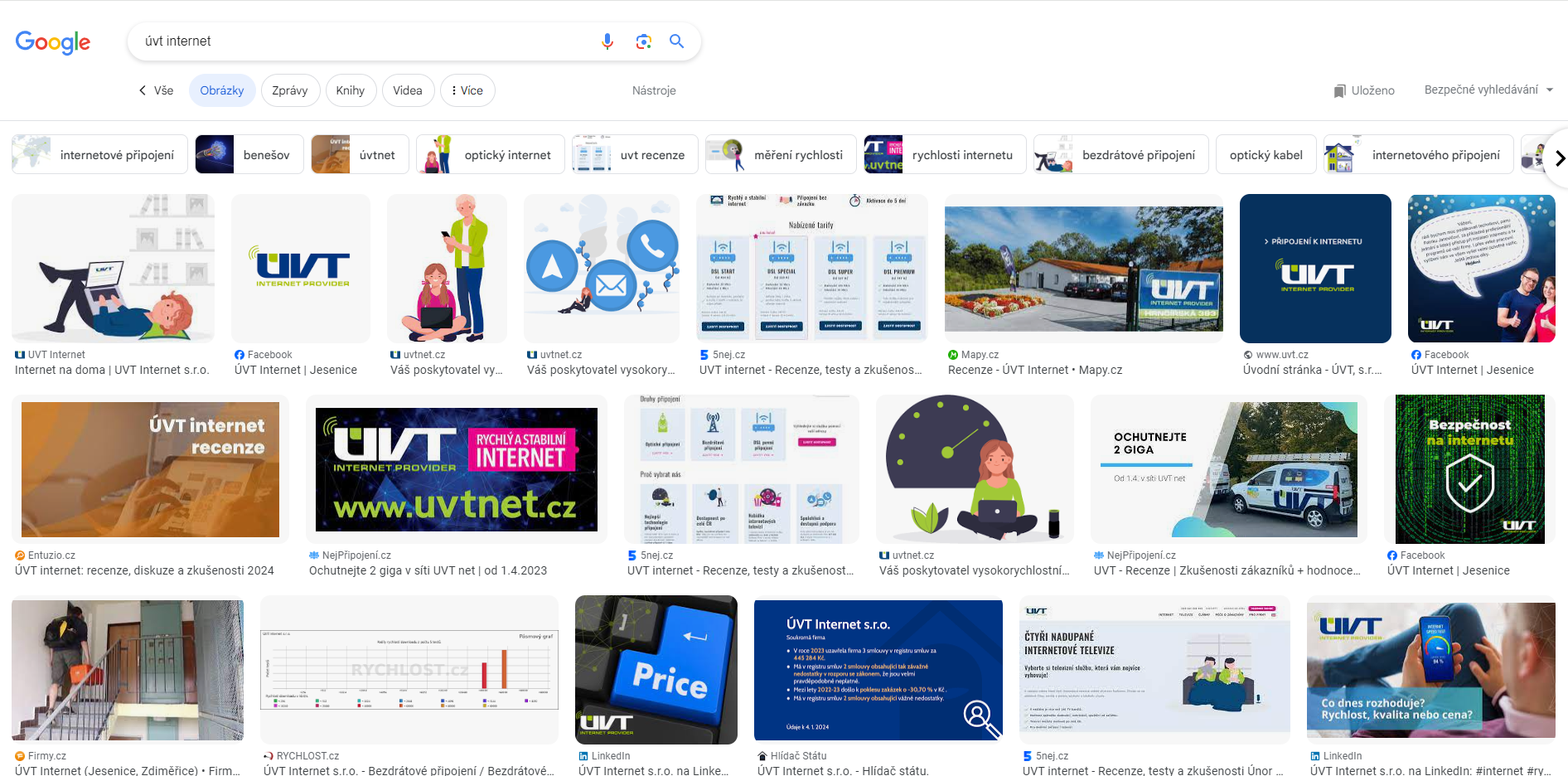
Google finds for us all photos that have alt text, titles and headings containing "ÚVT". It also finds all the articles where photos with this caption appear. Our own website appears only in a few cases. However, Google may also offer other photos and images that it considers relevant to the search.
TIP: Be specific in your search to get the most relevant results.
Shutterstock
Another fairly widely used online tool is Shutterstock.com. It is a (paid) database of photos, images and videos. When I enter our search phrase into the search engine, it finds nothing to do with "ÚVT", but relevant results for "internet".
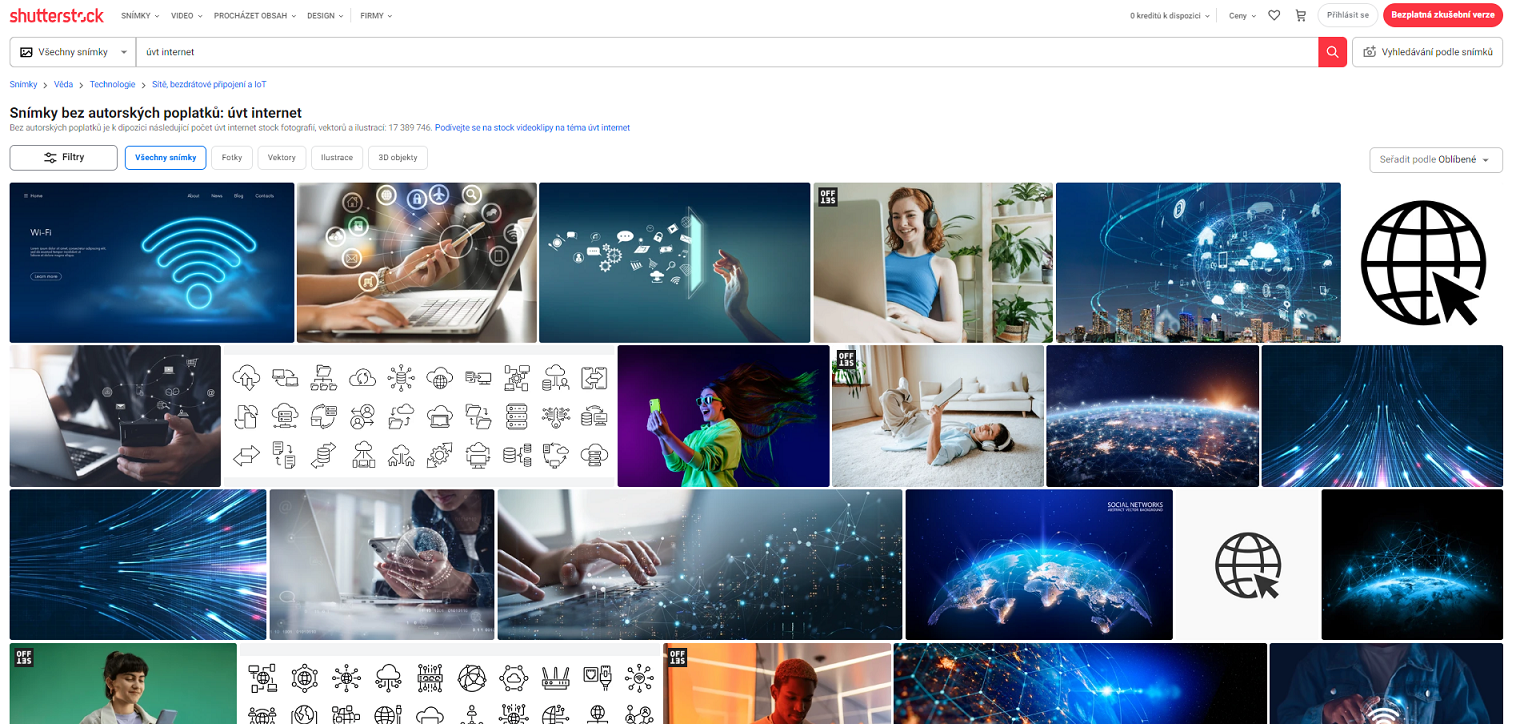
If I am looking for graphics for advertising campaigns, I have come to the right place. For a small fee you can use purchased graphics commercially, and there is no risk of copyright problems. Personally, however, I do not use this service for online articles, and I make my original images myself. I will show you how below :).
TIP: Use images in your online articles that are not yet anywhere on the internet. By using existing content, your website can be penalised by search algorithms, which reduces its organic reach.
Unsplash
This platform is similar to Shutterstock. The difference is that you can download more photos for free. When I search for the phrase "ÚVT internet" here too, I find content for the phrase "internet". However, you will find hundreds of thousands of photos completely free of charge here. This free photo bank was founded back in 2013, is today used by more than 100,000 photographers, and you can find over 1.5 million photos here.
WARNING: Please be aware that even if a photo is labelled "free", it may be content that someone has taken without permission, and copyright may in fact be claimed for it.
Bing: generate images using artificial intelligence
Finally we come to my favourite tool: artificial intelligence. To generate images, visit Copilot with GPT-4 (bing.com). So I will try to create an image of "ÚVT internet".
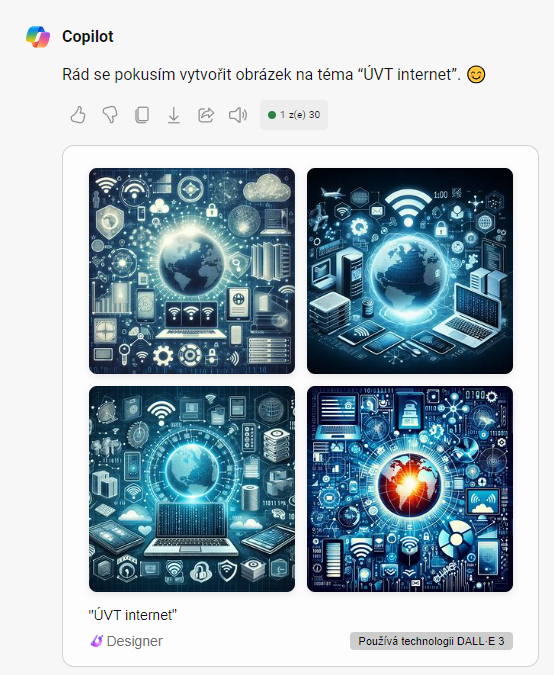
As expected, the word "ÚVT" meant nothing to it, so it created images of "internet". The biggest advantage is the price (free of charge) and the fact that you now have graphics available that you can use commercially. If you use them in online articles, you also earn plus points with search algorithms for completely unique content.
However, there are no limits to creativity here. If you can write the prompt correctly, you can make absolutely anything.
Enjoying this? I'm glad!
You can also read the article https://uvtnet.cz/en/articles/choose-the-right-web-browser/
Author: Lukáš Pecina 6 February 2024
You might also be interested in


3. 9. 2026
How the internet works: what happens between pressing Enter and a loaded page
Whole article







22. 5. 2020