What are cookies and why should you not share them with third parties?
7. 7. 2020
If you use the internet (and your territory is not exactly the depths of the dark web in the Tor browser), you come across cookies every day. Most of us allow cookies on our favourite websites without attaching much importance to them. Cookies are – put simply – small "packets" of data that a web server sends to your browser and stores on the user's computer. From there they are sent back on each subsequent visit to the given server. Thanks to this information, the server can "recognise" the particular user and adapt its content to them – online shops can thus remember your name, and various websites can remember your login.
TIP: Also read the newer article What are cookies and how to block them
Cookies got their name from the typical round biscuits that companies in Great Britain and the United States often handed out to potential customers or clients to create a friendly atmosphere. Cookies in themselves are mostly extremely useful tools, which content providers use to better direct you to texts and videos that are relevant to you. Thanks to cookies, an online shop remembers your login details, Google knows your approximate age, gender and interests and adjusts its search accordingly. Last but not least, they are used to decide which adverts to show you so that they interest you at least a little. Adverts are often the only source of income for content servers, and their interest in targeting them correctly cannot be held against them.
However, it is good to approach cookies with a certain caution and to clear them from time to time, so that providers do not know too much about us. And not everyone always has good intentions.
TIP: Also read the article How to find out the IP address of another computer
Cookies in themselves are not outright harmful – but only for as long as you exchange them only with the given, verified server. Once cookies are passed on to a third party, a problem may, in purely theoretical terms, arise. Cookies create a kind of virtual profile of each user and work with their data, and it is not within the power of the user to determine what each server does with this data. Moreover, this can often involve relatively sensitive data.
There is no need to panic – you cannot influence what happens to your cookies, but you can clear them regularly and block their use by third parties. The most common reason for this use is advertising, but there is no point in needlessly exposing any of your data. You can do this easily and quickly in your browser.
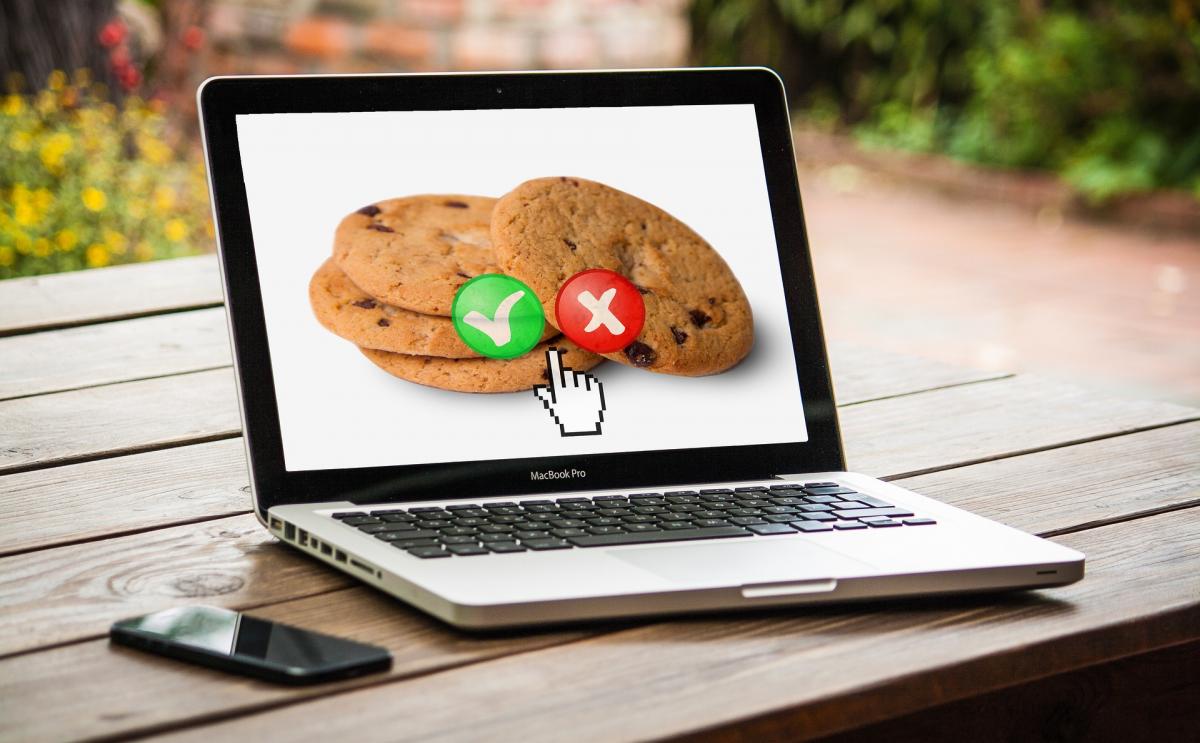
How to clear cookies and block their use by third parties?
In the Chrome browser, click the three dots in the top right-hand corner of the browser and select Settings. In the tab that appears, click on Cookies and other site data and block third-party cookies. Here you can also activate the option to delete cookies every time you close the browser. To delete cookies once, click the three dots in the top right-hand corner -> More tools -> Clear browsing data.
In the Firefox browser, click Menu -> Privacy & Security, where in the Enhanced Tracking Protection section you click Custom. Here tick the Cookies box. In the Safari browser, click Safari in the toolbar at the top of the screen -> Preferences -> Privacy -> Cookies and website data, where in the Website tracking section you tick the option Ask websites not to track me.
A safe and fast internet connection will be provided to you by ÚVT Internet.
Updated 15 March 2024

You might also be interested in


9. 9. 2026
Two-factor authentication: the safeguard that works even if someone steals your password
Whole article






22. 5. 2020