How to protect yourself from malware and harmful software in general
21. 5. 2020
In our series on security, we continue with a text about protection against malware. The term "malware" is short for "malicious software", i.e. harmful software. It is a type of program that infects the user's computer and damages it in a specific way. Infection with malware can happen in several different ways, and malware can take the form of a virus, a worm, a Trojan horse, spyware and other programs.
When it comes to protection against malware, suitable software can do part of the work, but a fair share of the effort is up to you as well.
Malware in email
Malware often reaches users in the form of email attachments. At first glance these can look like an email from your bank, or a message sent by a good friend. With a little knowledge, fraudulent emails are not hard to recognise at first sight. Their language is not very convincing because of automatic translation, or they contain just one sentence in the style of "Take a look at this great site". The most important step you can take is not to open the attachments of such messages or click on the links they contain.
Software from reputable companies can recognise and neutralise malware in time. The programme scans your computer at regular intervals and looks for possible threats. Internet browsers, in turn, can recognise a potentially harmful website and stop you from going to it.
Sometimes a malware infection happens without any symptoms; in other cases you may notice a marked slowdown of the computer, an excessive number of pop-up windows, sudden crashes of individual programmes or of the whole system, or unusual activity of the hard disk, which may show up, for example, as a lack of free space.
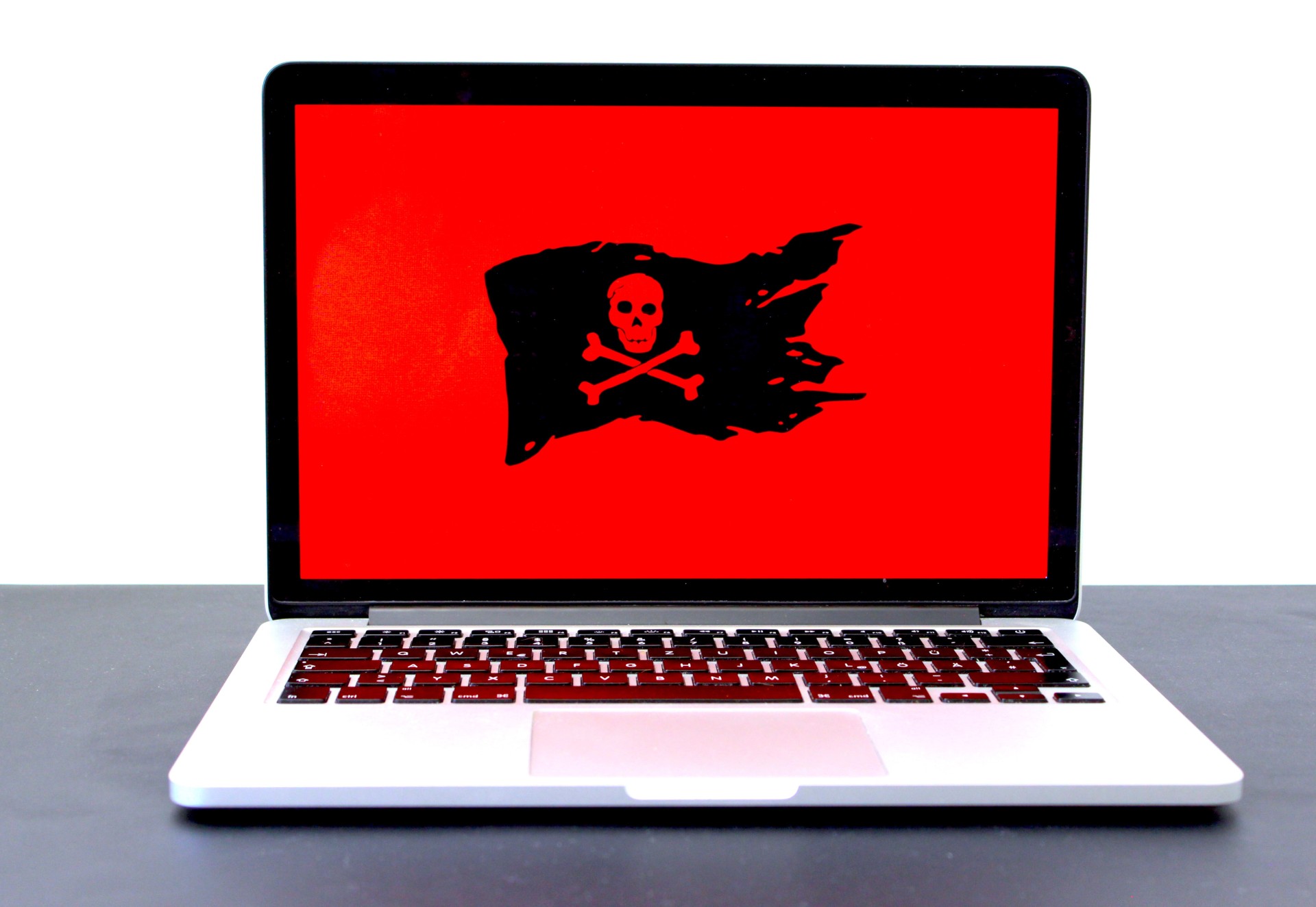
The most common malware
Among the most common malware are programs such as Conficker, Graftor, NIbot, Locky and others. Conficker is a worm targeting the Windows OS. Conficker tries to steal the administrator password and gain access to users' personal data. Graftor is also a fairly common malware. It is adware that reaches users through a web browser and is very hard to detect. The backdoor group of malware includes NIbot. It too focuses on the Windows platform and, thanks to remote control, helps attackers upload and download files and operate within the system.
In the Czech Republic, malware has also appeared in the form of email attachments that "pretended" to be all sorts of invoices, notices from the tax office or information from a bank. But malware also found its way into the CCleaner programme, and the Snake malware spread to Apple operating systems this year via the installation file of the Adobe Flash programme. Last year, malware also appeared as part of the popular music player Spotify.
What is ransomware, how to defend against it and how to get rid of it?
You may have noticed the WannaCry affair over the past year – harmful software that infected more than 230 thousand computers running Windows around the world. Not even government offices or hospitals were spared.
The WannaCry programme, like Cerber, CryptoLocker or Petya for example, belongs to the group of ransomware.
Ransomware is blackmail software that gets onto your computer through one of the usual routes – via an email attachment, an infected website, or the computer network. It makes itself felt almost immediately: it blocks access to your files by encrypting them, and demands that the user pay a certain part of the sum – usually in cryptocurrency, such as Bitcoin, for the sake of anonymity – in exchange for decrypting the files and making them accessible again. However, payment is not always a guarantee that you will actually get your files back.
The best defence against ransomware is prevention, that is, strict observance of basic security rules – not visiting suspicious websites, not downloading unverified software, and carefully checking all messages and links.
Anti-malware programmes
Common anti-malware programmes are able to recognise ransomware and prevent it from being installed on your computer – many of these programmes are free. When downloading anti-malware software, however, you still need to be careful, because sometimes malware pretends to be a programme that is supposed to fight malware. Always get security software from reputable companies, and do not trust pop-up windows with warnings that may sometimes appear when you browse certain websites. Careful and timely updates of your operating system, antivirus programmes and firewall should be a matter of course, as should backing up all important files – ideally using the "3-2-1" rule, i.e. keeping one backup directly on the computer, a second on an external medium, and a third, for example, in a cloud storage service.
TIP: You can check your device, for example with the programme from the well-known Avast, at https://www.avast.com/cs-cz/free-ios-security#pc
Has your computer ever been attacked by ransomware? Fortunately, even in such seemingly hopeless cases there is a solution. Companies focusing on computer security offer a range of software products – so-called decryptors – capable of removing ransomware and decrypting locked files. Under no circumstances deal with a ransomware infection by paying the amount demanded – payment is no guarantee that you will get your files back.
Updated 19 February 2024
You might also be interested in
9. 9. 2026
Two-factor authentication: the safeguard that works even if someone steals your password
Whole article





22. 5. 2020