UniFi Wi-Fi Mesh Systems
Professional Wi-Fi mesh systems for larger spaces
You can also buy UniFi access points yourself. However, it pays to first talk through the layout of your house or business and what will control the network (a router with a controller): the number of floors, walls and devices all affect how many units you need and where to place them. Without this, it is easy to buy too few or needlessly many. That is why we make an individual offer for mesh systems.
Call us on 227 023 023 or write to us via our contact page — we will talk through the layout and prepare a tailored offer.
How do UniFi Mesh access points work and which one should you choose?
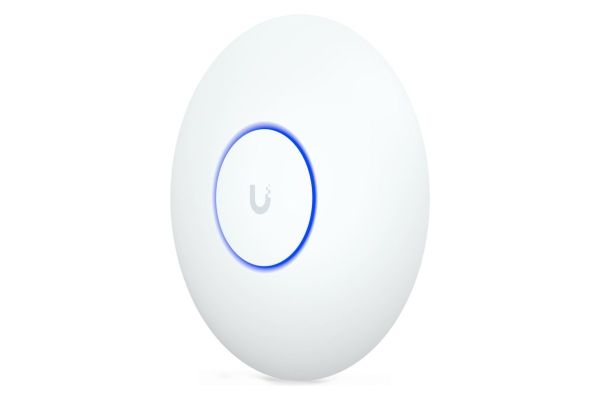
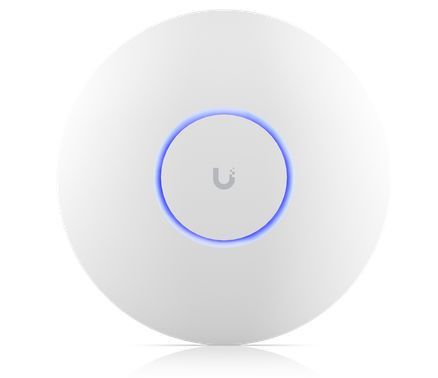
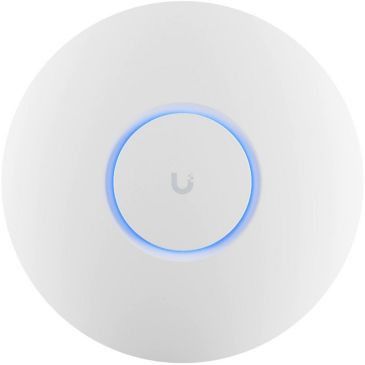
Access points create a strong Wi-Fi network wherever the signal from the main router no longer reaches. Unlike a router hidden in the corner of a cabinet, they are mounted directly on the ceiling or wall, so the signal spreads evenly and without obstacles throughout the whole space. All models also support Mesh technology, so in a house or business they join into a single Wi-Fi network and your devices switch between them automatically and without any dropouts.
Choose the ideal model for your needs:
- Ubiquiti UniFi 6+ – Economical network extension: An ideal choice if you simply and cheaply need to bring Wi-Fi to another floor, a warehouse, a workshop or a meeting room.
- Ubiquiti UniFi U7 Lite – The modern standard for flats and offices: An excellent and affordable solution with the latest Wi-Fi 7. A perfect fit for larger flats, ordinary offices, surgeries and smaller premises.
- Ubiquiti UniFi U7 Pro – Maximum performance for demanding users: A tri-band Wi-Fi 7 model designed for spaces where a huge number of devices connect at the same time (dozens of phones, laptops, TVs and smart home devices at once). Easy installation without unnecessary cables (PoE)
A great advantage of all these access points is that they are powered through the data network cable using PoE (Power over Ethernet) technology. At the mounting point on the ceiling or wall you do not need an electrical socket – a single cable that carries both data and power is enough.
When you connect several units into one working Mesh system, a central control unit (UniFi Controller) is required for correct operation and smooth switching of devices. This controller can run either as standalone software or as part of your main router. The ideal solution is to get a suitable powerful router with an integrated controller – for example UniFi Cloud Gateway Ultra or UniFi Cloud Gateway Fiber. These routers take care of complete network management, security and the maximum speed of your internet connection.
You do not have to worry about anything – we will arrange everything for you!
If you do not feel confident about the configuration, our experienced technicians will gladly handle the setup of the controller and of the units themselves. We will bring the selected access points and routers to your home or business, mount them professionally and fine-tune your Wi-Fi network exactly to the layout of the property and your individual needs.
We are happy to advise you by phone on 227 023 023.






No product matches your search.